
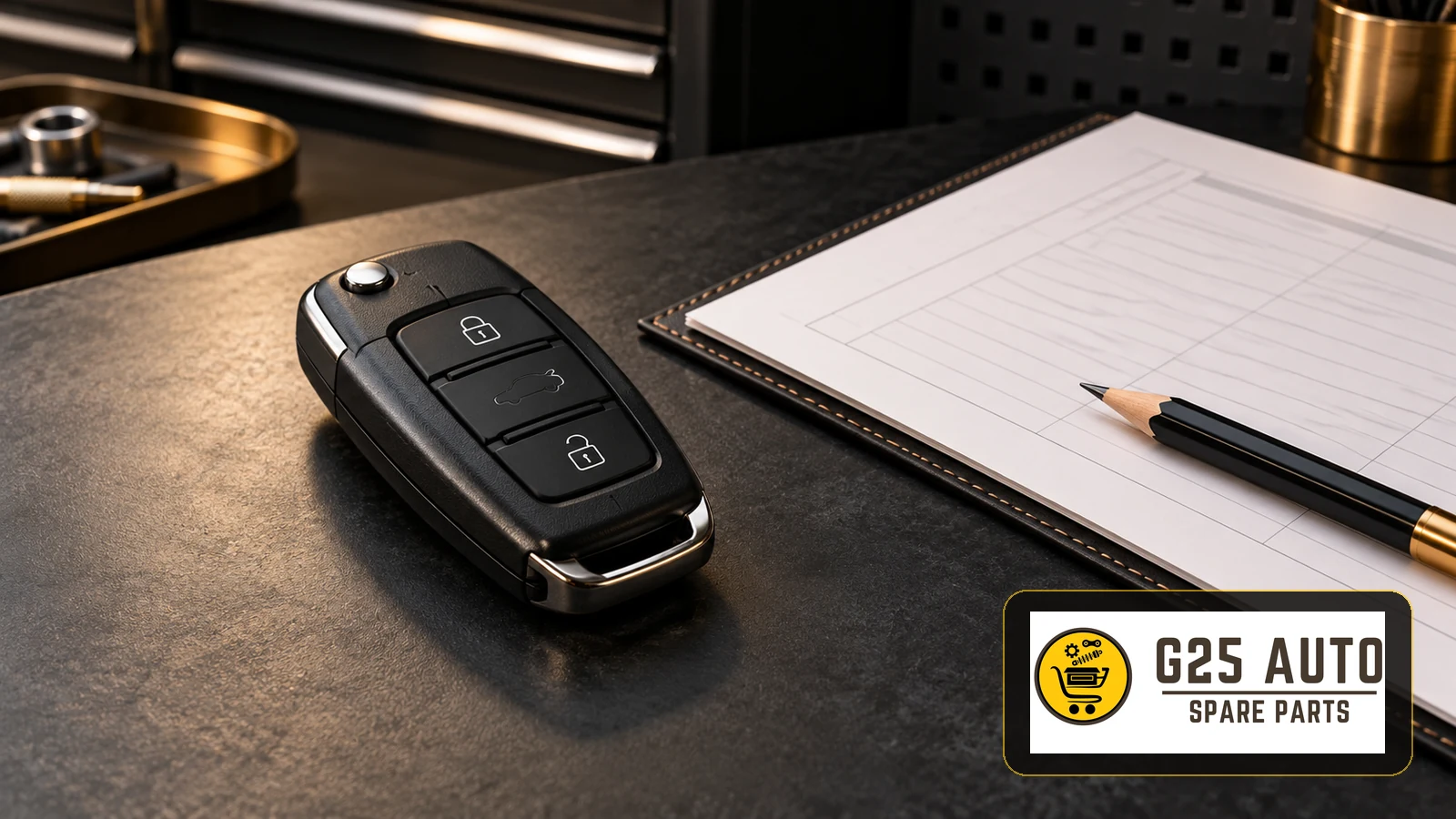
Short answer: When searching for a vehicle remote control battery, do not decide solely based on the remote’s appearance. Check the remote’s identification, battery information in its manual, and cover safety as separate items. This article suggests documentation and record keeping before purchase; it does not explain case opening, installation, programming or troubleshooting.
A shopping note that reads “need remote battery” is not enough to explain which product is wanted. Battery, empty case and complete remote are not the same request. First clarifying your request, then writing down which document your information is based on provides a more organized start. You can use the questions below as an order preparation checklist; no item promises definite compatibility with a specific vehicle.
Record the remote’s identity separately from vehicle information
Create separate fields for vehicle information and remote information on your record page. On the vehicle side, write the make, model and model year you know. On the remote side, record the description and readable reference for which you can find documentation. Rather than filling an uncertain field with a guess, leave it as “not confirmed.” This way, the question you will direct to the seller and the information you definitely have on hand do not get mixed up.
You can also keep a photograph as a supplement to this record. However, do not count similar button appearance or case shape alone as proof of match. Ask the seller to explain which remote description the product they suggest was selected according to. If the answer given only repeats the vehicle model, ask separately how the connection with the remote you have was made. Adding the answer to the order note along with the date and product name makes later comparison easier.
Do not select battery code and orientation with the same assumption
On the Ford manual page linked below, the orientation of the battery’s positive side is shown differently for folding and passive remotes. This example shows that the orientation seen in one remote should not be transferred to another remote. The example page is not a universal battery selection or installation guide for all vehicles. Base your decision on the relevant manual provided with your vehicle for your remote.
Separate the lines “battery code” and “source of orientation information” in your notebook. Being able to read a code does not mean you have also verified the orientation information. Similarly, recognizing the orientation in an image does not determine the code of the product you will order. We do not recommend a specific battery code, voltage or installation orientation here. For these fields, look for explicit information in the documentation for your own remote.
When you find a previously kept note, check which remote the note belongs to. A record of another vehicle at home, an old shopping screen or a photo with incomplete description can create confusion. Prefer to add the document name and the date you looked at it next to the record. If you cannot match the document with the remote you have, do not write the decision as if it were complete; leave open the field where you will request clarification.
Distinction between battery, empty case and complete remote
Let your first question to the seller be what is included in the package. Do not expect the same content from every product with remote in its title. Ask in writing about parts not clear from the product description. This distinction does not determine the cause of a failure; it only organizes the order request. It cannot be decided with this article which package should be purchased based on the remote not working.
| Request | Question to ask | Information to add to record |
|---|---|---|
| Battery | Which document was the product code matched with? | Product description and document |
| Empty case or cover | What exactly is in the package? | Seller’s content description |
| Complete remote | What is the scope of the offer? | Product and service distinction |
For example, if an offer describes only an empty case, do not record it as an offer for a battery-included or ready-to-use complete remote. Do not expand the answer you received from the seller with your own guess. Keep the statements “visible in image” and “confirmed in writing to be included in package” separate. This method does not automatically prove the technical suitability of the product; it makes visible which questions the conversation answered.
Consider the manual’s warning for cover safety
The Ford manual states that batteries be kept away from children, that medical help be sought immediately if a battery is swallowed, and that if the battery compartment does not close securely, use of the remote should be discontinued and it should be replaced. During this time, the remote should be kept away from children. Do not treat this warning about the cover as merely a cosmetic issue.
Write your observation about the cover clearly in the order note; do not produce a repair method on your own for this. Temporary fastening suggestions for a compartment that won’t close are not within the scope of this guide. Also mention the safety warning in the product selection discussion and follow the relevant manual’s guidance. Purchasing a package with unclear description does not show that the manual’s cover warning has been met.
Do not hide uncertainty in unreadable codes
If a character is missing in the note you have, do not try to complete the code. Clearly indicate the part you can read and where you cannot read. Writing “this part could not be read” instead of “code is definite” helps the person requesting confirmation from you understand the problem. Do not directly copy the code from someone else’s similar-looking remote into your own record.
- Write which document you obtained the remote description from.
- Separate readable information from guesses.
- Clearly tell the seller which field is uncertain and ask for clarification.
- Do not turn uncertainty into confirmed match before receiving an answer.
- Keep the answer regarding product contents together with the offer record.
While waiting for information, resolve your outstanding questions instead of turning to another similarly named product on the order screen. The purpose of the record page is not to appear to have filled every field. It is to keep understandable which decision was based on which information. When confirmation cannot be obtained, you can also record this as a result; a definite battery or remote selection should not be derived from this guide.
Keep the order record brief and comparable
Organize your final conversation note in the form of product name, package scope, document link, confirmed fields and open questions. When a new offer comes from the seller, compare the same fields instead of just looking at the title. Do not assume that the content explained in the previous offer is also present in the subsequent offer. If you see contradictions in written answers, ask which one is valid.
This list provides no fixed figures for price, stock or delivery time. You need to learn these separately from the current offer. For the same reason, no selection is made in this article through a specific product link or seller comment. The record approach here is not a technical suitability report; it is a preparation tool that clarifies missing information in the purchase discussion.
Frequently asked questions
If the remote doesn’t respond, should a battery definitely be purchased?
This article does not reach that conclusion. Do not select parts based on symptoms; refer to the relevant documentation for your own vehicle and, if necessary, to competent service evaluation. Keep order preparation and fault diagnosis separate.
Can I use the orientation from an old record on another remote?
Do not treat an old note as a common rule. Determine which remote the note belongs to and check the information in your own remote’s manual. Do not fill uncertainty with guesswork.
Is a photograph alone sufficient for ordering?
Use the photograph as a supporting record. Seek clear answers about the remote description, relevant document and package contents. Do not draw conclusions about definite match or safe use from external appearance alone.
Source: Ford — Changing the Remote Control Battery. Verification: October 31, 2026. Record lists other than the limited orientation and safety examples in the manual are editorial suggestions.