
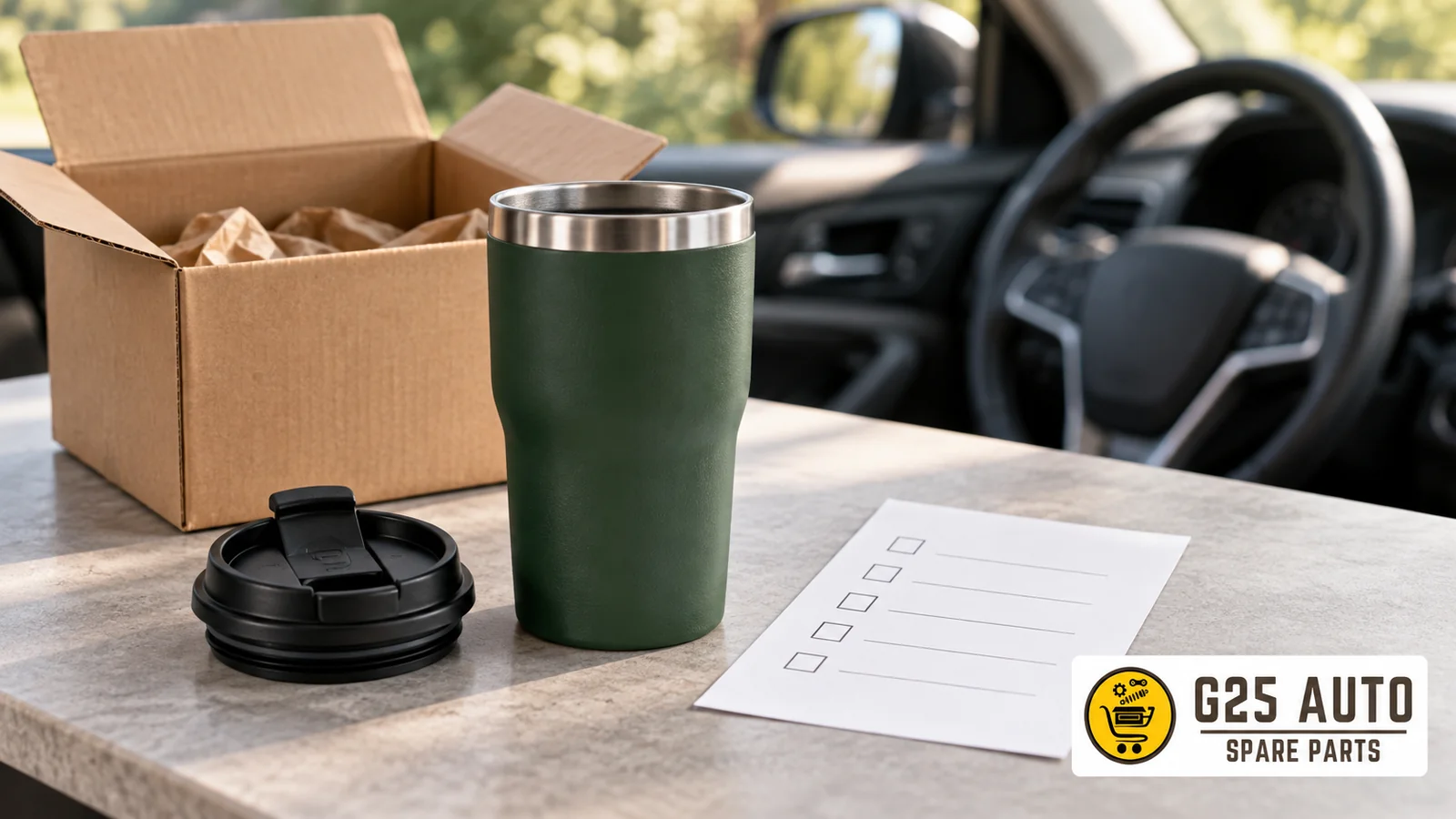
Short answer: In a travel cup offer, first identify the purchased item. Does the order line include the cup, lid only, or a clearly defined package? Match the color name with the selected option; do not infer the lid and other parts from the photo. Compare what you see at delivery with the written description of the relevant offer. This guide is for recording the purchase scope.
Example source limitation
The official Volvo Cars Stelton x Volvo To Go Click page contains the color names Black and Dark Green. Only this color description is taken as an example here. This example does not describe the colors or package scope of another offer. Seeing the color names on the page does not indicate that your selected color is recorded in your order. Record your own offer’s address and your selected option separately.
Separate cup and lid offers
Do not read the word cup in the title as a package list by itself. Review the full name of the offer, its description, and the option field if available, together. Ask the seller whether the main body will be shipped with this order. Then clarify the scope of the lid with a separate question. Do not record the answer to one question as the answer to another question.
How to ask about the lid?
Send the question “Is a lid included in this order line?” together with the product address. If you are only looking for a lid, confirm the name of the item without assuming the offer includes the cup. This article does not provide a conclusion about the compatibility of a replacement lid with a specific cup. State to the seller that such a choice requires a verified reference and authorized description of the relevant product.
If the reply only says “complete package,” ask them to clarify which parts are meant. Do not present your own written parts list as the seller’s confirmation. If it is not clear that the response is given for the product and option you selected, leave that field unspecified. Instead of filling uncertainty with guesses, reconstruct the question with a more specific object name.
Link color to order line
In an offer with color selection, note the written name of the option as it is. Do not use the example expressions Black and Dark Green as color descriptions for another product. Do not name a shade on the screen only by its appearance; ask whether the photo and the written option name belong to the same selection. Do not infer the lid’s color from the body’s color.
Check after selection
Compare the product name, option information, and quantity shown in the cart and order summary with your own note. If a field is not visible, do not count the gap as a positive answer. Request a written description from the seller of which color selection the relevant order line carries. If a confirmation message arrives, also record the option in this message; if there are different texts, ask which one is valid.
If you are selecting multiple cups or lids during the order, open a separate record for each line. Do not carry color information from one line to another. The display of the same photo alone does not prove that the lines carry the same option. When comparing, keep the product name, offer address, and selected option in the same record.
Name reference number correctly
If there is a code on the product screen, record both the code and the field name written next to it. Ask whether this code is the seller’s stock code, manufacturer reference, or order number. Do not determine the type by looking at the format of the numbers. Do not complete illegible characters from similar listings; request a clearer photo or written description.
If two separate codes are shown for the lid and cup, learn which object each belongs to. Similarity of the two codes does not indicate they are compatible with each other. If the seller’s answer only explains package scope, do not convey it as technical compatibility confirmation. Keep the record title limited to what the answer actually explains.
Ask about printed document separately from package scope
If you are expecting a manual or information sheet, separately ask whether this document is provided with the selected order. Do not use the appearance of the document in the photo as an inclusion statement. If a document is present at delivery, note which product name or reference is written on it. This article does not provide usage, cleaning, or in-vehicle placement instructions.
If the name on the document does not match the order record, submit both pieces of information to the seller together. Ask where the document for the relevant product can be obtained. Do not draw conclusions applying descriptions for another product to your own cup. Without counting the absence of a document as a package error by itself, first check the written order scope.
Delivery comparison table
Fill in the following fields with your own order’s description. Do not write example color names into the table as each delivery’s expected color. In the expected field, include only clear information for that order. If there is no description, write unspecified; do not combine the observed item with the expected item in the same column.
| Field | Written order information | Observed at delivery |
|---|---|---|
| Main item | Cup, lid, or defined package | Write the item you see |
| Color | Name of selected option | Observation and label if present |
| Lid | Included, separate, or unspecified | Record incoming part |
| Document | Scope described in offer | Document title |
Match images with records
If you want to record the package’s external appearance and incoming items, link the photos to your own order note. Name the cup body, lid, and document if present separately. Do not label an unidentified part as a spare accessory with guesses. In the photo note, state what you see and what the seller described in separate sentences.
When sharing visuals for correspondence, evaluate whether address, phone, and similar personal fields are necessary. Choose the image needed for your question about product scope to be understood. Having taken a photo does not guarantee a specific return or legal outcome. The purpose here is to keep clear which written description you compared with which observation.
Frequently asked questions
I selected Black, saw a different color; how should I ask?
First check how the option is written in the order record. Submit the order line, recorded color name, and your observation at delivery to the seller together. Do not count the shade in the screenshot as definitive color proof by itself. Ask which option was sent and how the difference will be evaluated through the relevant order.
Does a replacement lid come with the cup?
This guide does not provide a common answer for all offers. Request the parts list for your selected order; separate the main lid and the replacement lid you are looking for in your question. If the answer only explains one, leave the status of the other clear. Do not carry package information from another product to your own order.
What should I do if a document with a different title arrives?
Note the document’s title and the order’s product name and ask the seller about the relevant document. When you see an incorrect title, do not speculate about the reason. Clearly write which product your request pertains to. If you need information about product usage, do not evaluate the purchase checklist as a usage manual.
How long should I keep records?
This article does not recommend a specific period. You may keep correspondence and images in an organized place according to your need regarding the order. If you want to learn a period or transaction condition, review the current description of the relevant sale and ask the seller. Do not present your own archive preference as a guarantee or transaction period.
Source: https://collection.volvocars.com/en/stelton-to-go-click-400ml-10 — review November 1, 2026. Only the color names Black and Dark Green are taken as examples.