
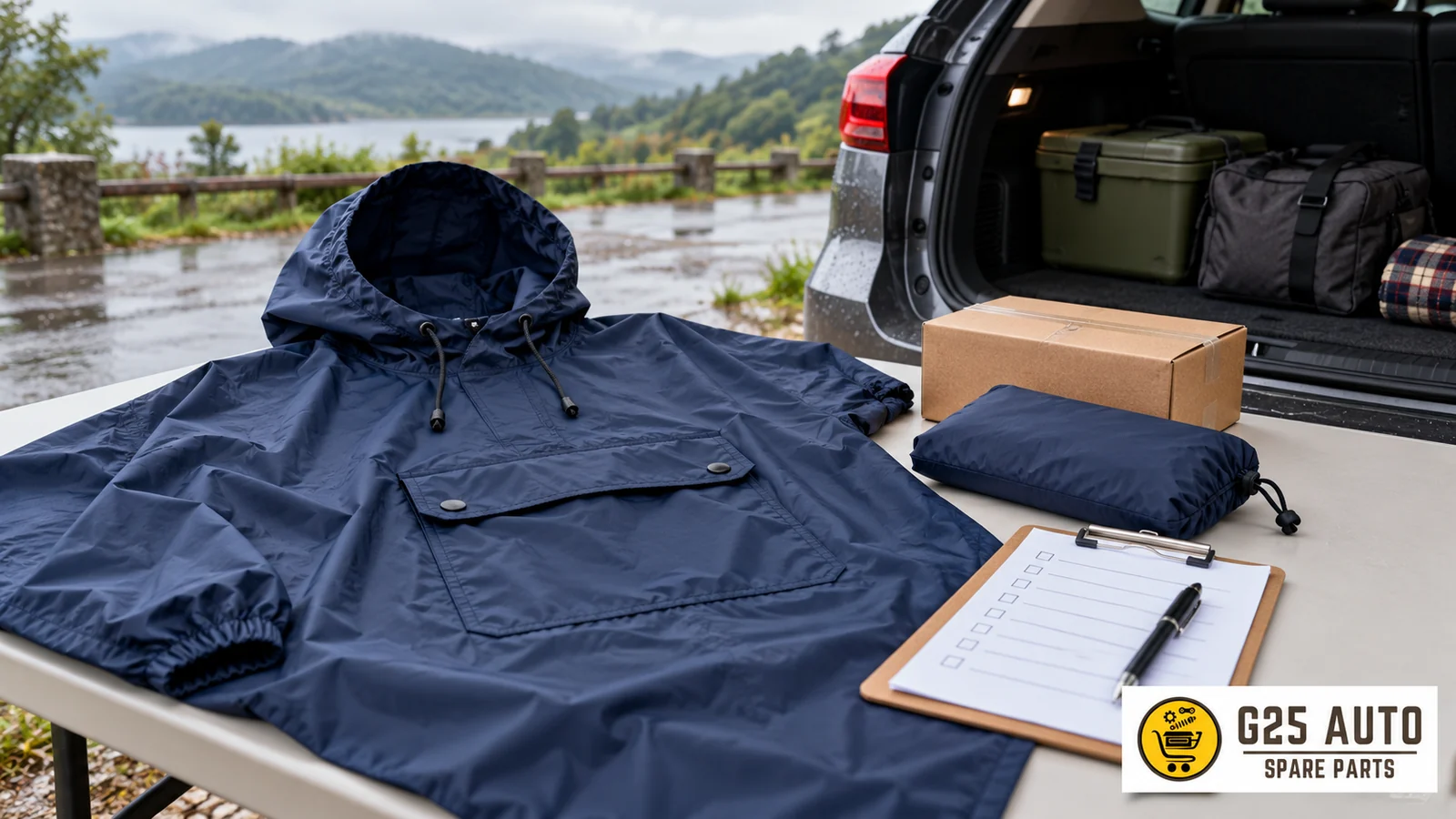
Carrying a Raincoat on Car Journeys
When researching a raincoat for car travel, first write down what the offer covers. Create separate checklist fields for products that fold into their own pocket, separate carrying bags, and package descriptions. Compare your selected variant’s description with order information; do not extract package lists from photographs. This text helps you organize unresolved questions before purchase rather than evaluating the product’s usage performance.
Fold-into-Own-Pocket Feature
The Volvo Cars Rain poncho page states that the product can fold into its own front pocket and is delivered in this form. This description is only an example of the product featured on that page. It does not indicate that the same feature exists in a different raincoat listing or that a separate bag is sent. Request the package description separately for the offer you are examining.
When reading the product description, ask which option the fold-into-pocket expression belongs to. Also open a different line for the separate carrying bag. One area being explained does not mean the other has been answered. If the offer mentions the words bag or case, clarify whether this describes the product’s own pocket or a separate piece.
Separate Carrying Bag or Own Pocket?
Do not combine the expressions own pocket and separate carrying bag under the same field. Ask the seller to clearly write which is being offered. If it is stated that a separate piece will be sent, look for the name of this piece in the package list. If there is no explanation, do not give a name to the folded object in the photograph with your own interpretation; write “awaiting answer” in your record.
When making a choice, first determine which information you want to learn. If the question is only about the fold-into-pocket feature, ask this directly. If the question is whether a bag is included in delivery, ask about package contents. Do not gloss over two separate needs with a single “practical product” expression. This text does not describe methods for collecting, folding, drying, or storing a wet product in the vehicle.
Package Contents and Order Check
In the order record, open fields for the product name as well as the selected option and written package description. Fold-into-own-front-pocket description and inclusion of a separate carrying bag are different questions. Transfer each question’s answer from the relevant explanation. Do not expand the seller’s answer with your own interpretation; ask them to clarify the unclear section with an additional question.
Recording Your Selected Variant
At the time of order, record the selected variant and description together. If the option name is not visible in the record, note this yourself. Do not use another option’s description from the same page for your selected product. By writing the option name again in your question to the seller, you can clarify which offer is being addressed.
In an example check record, you can open three separate boxes for product name, selected variant, and package description. This is a hypothetical record layout; it is not a claim that different versions of a specific model exist. If one box is empty, do not fill it by copying information from the neighboring box. Write to the seller which field you want explained.
Delivery Label and Order Comparison
Record the readable label information at delivery alongside the order confirmation. Do not guess model or option information not found on the label. If you see an unexplained code, ask what type of record it belongs to. A code match does not mean all questions about package scope have been answered; compare the sent parts separately.
Open Questions in Written Responses
When you ask the seller a question about the product, keeping the written answers you receive is useful for future reference. If the seller has informed you in writing that a specific feature exists, archiving this message provides a reference point for post-delivery verification.
If there are ambiguous expressions in written responses, asking additional questions to clarify them can be helpful. When there is missing or unclear information on the product page, addressing these unresolved questions with questions you direct to the seller clarifies your expectations.
Photograph and Package Evidence
When examining a photograph, ask which option is shown. Do not guess the date the image was taken, the model year, or the market. Record the visible pocket and the written description of the selected variant separately. If there is no answer in the description, request an option-specific response from the seller rather than confirming the feature based on the photograph.
A Photograph Not Counting as Evidence Alone
The appearance of a front pocket in a photograph may not mean the same pocket will be present in the version you ordered. The feature being clearly stated in the product description text is a more reliable reference. If there is inconsistency between visual material and written description, it is useful to request clarification from the seller.
Keeping Page Versions Separate
Manufacturer or seller websites are updated over time. The content of the product page on the date you placed your order and the content of the same page at a later date may differ. Therefore, saving a copy of the page at the time of order or storing it as PDF is useful for future reference.
Noting the Review Date
Noting the date you reviewed a product page helps you determine which time period the information was valid for. When the manufacturer changes page content, knowing which version your obtained information belongs to is important when making comparisons.
Example Table: Raincoat Packaging Comparison
| Feature | Sample Product A | Sample Product B |
|---|---|---|
| Folding Method | Unclear — awaiting written explanation | Unclear — awaiting written explanation |
| Package Contents | Unclear — awaiting written explanation | Unclear — awaiting written explanation |
| Carrying Ease | Unclear — awaiting written explanation | Unclear — awaiting written explanation |
| After Use | Unclear — awaiting written explanation | Unclear — awaiting written explanation |
The A and B columns in the table are blank check fields for two hypothetical offers. Fill each field only with clear answers from the relevant offer. An unclear field does not mean the product has or lacks this feature.
Narrow Down Questions to Ask the Seller
Start the first question with the product name and selected option. Then ask only one topic: Does this option allow the raincoat to fold into its own pocket? In the next question, find out whether a separate carrying bag is sent. Request a written list of parts to be sent for package scope. Instead of combining answers in the same paragraph, transfer them to the relevant check line. This way you can see which question remains open.
If only a photograph is sent in response, do not assume yourself which question the photograph answers. Request clear text for the name of the part visible in the image, package contents, and its relationship to the selected variant. If the seller shares a product code, record the code as is. Do not complete an unreadable character from a similar listing. Ask separately whether the code is a manufacturer reference or the seller’s own record number.
How Can You Organize a Comparison File?
You can keep the source page in one file and the order confirmation in another. Also open dated separate records for seller responses. Write at the beginning of each note which product and option it concerns. When conveying your own observation, distinguish it from the source explanation. For example, writing that you saw a pocket in a photograph is not the same information as a manufacturer explanation that the pocket is present in the option you selected.
When you review the page again, open a new file instead of overwriting the old record. If the package description appears changed, first check whether the two records belong to the same option. Note date, address, and option name differences. You can ask the seller which description is related to your own order. This method is only for tracking information; it does not establish the legal validity of the records.
Record Unresolved Questions at Delivery
When examining the delivered package, first record the order number and readable label text. Then compare your observation with the parts in the offer’s written list. If a separate bag was specified but not seen, write this difference in a concrete sentence. Do not consider the raincoat folded into its own pocket and the sending of a separate bag as the same finding. Instead of naming a part you do not understand with a definite name, share its photograph together with a request for clarification.
When a response arrives, do not close the question just by noting that a new message exists. Read whether the message actually explains your selected variant and the unresolved question about the package. If another option’s reference is given, note this separately. Checking that all records link to the same product helps you separate explained information from pending questions. Do not complete missing information with your own interpretation.
Frequently Asked Questions
1. What does it mean for a raincoat to fold into its own pocket?
The official example describes the product folding into its own front pocket. Do not use this information as a general feature for other products. Ask whether the same description exists for the offer you are examining. If a folding or storage method is needed, request the relevant product’s own usage document.
2. How do I know which version the product I ordered belongs to?
By noting the variant, product code, or model number you selected during order, you can compare it with the information on the delivery label or on the product. Your written order confirmation also provides reference on this matter.
3. Does the photograph on the product page exactly show the feature I will receive?
Ask separately whether the feature in the photograph belongs to the selected variant. If the image and written description do not provide clear answers to the same question, note this in your comparison record. Request an explanation from the seller that includes product and option names; do not record your own estimate as manufacturer information.
4. If the product page changes later, how do I access old information?
Record the selected variant and description together at the time of order. If the option name is not visible in the record, note this yourself. Do not use another option’s description from the same page for your selected product. By writing the option name again in your question to the seller, you can clarify which offer is being addressed.
Conclusion
In the final check before order, read the selected variant, package list, and seller’s clear answers together. Keep the fold-into-pocket information and the question of whether a separate bag is sent separate. Do not mark an unanswered field as completed. Save the records you will compare at delivery with clear file names; do not draw conclusions about product performance or the outcome of an inquiry from this record arrangement.
Source: Volvo Cars Rain poncho page, fold-into-own-front-pocket and delivery form information, review date: November 1, 2026. Source URL: https://collection.volvocars.com/en/rain-poncho