
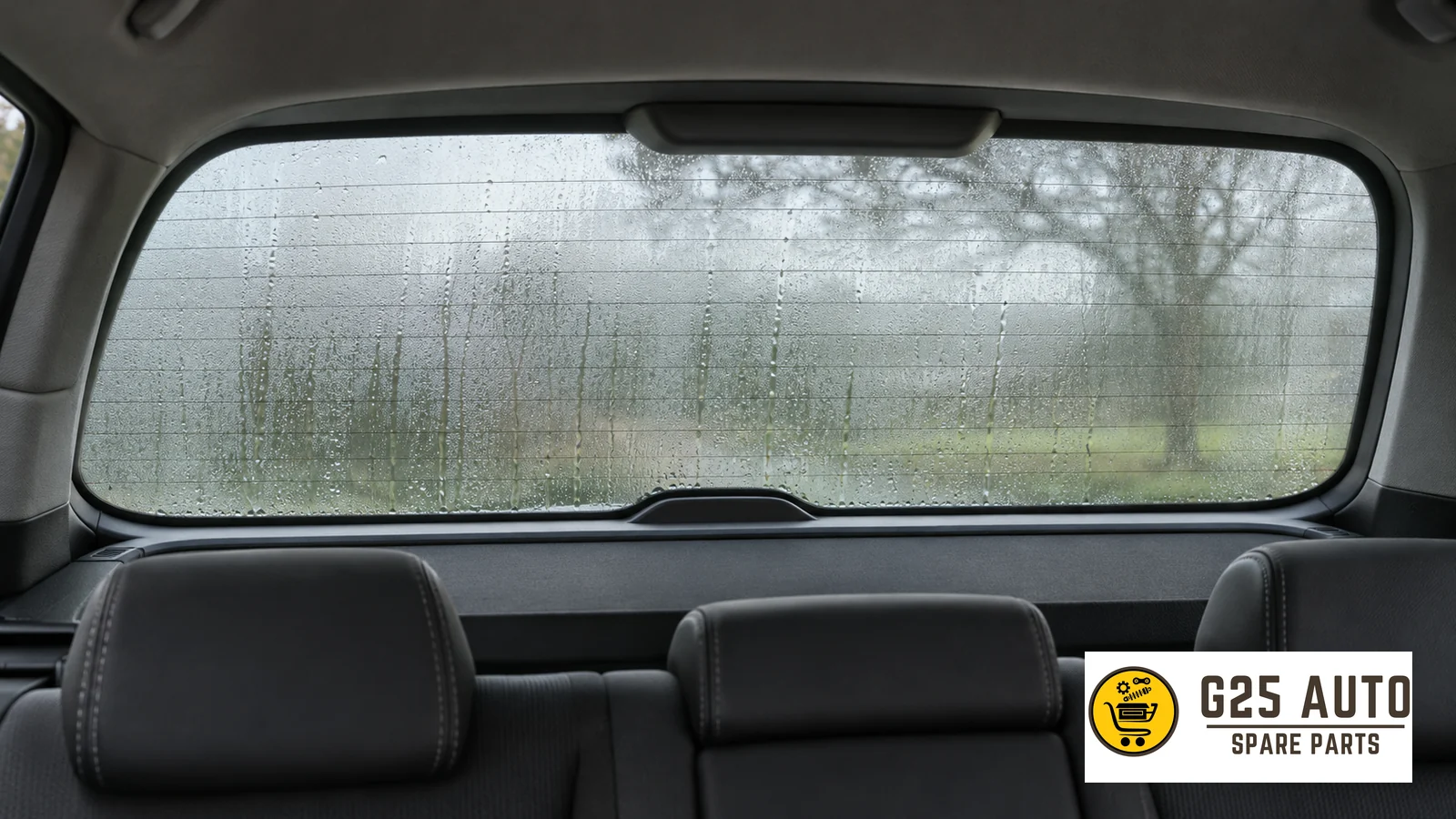
Short answer: Rear window heating helps remove fog and ice from the rear glass. In some vehicles, the same control also heats the side mirrors. Check your owner’s manual to identify which surfaces are heated in your own vehicle, the relevant control, and any automatic activation settings. Before driving, evaluate the rear window and both mirrors separately, in addition to the button indicator light.
Find the correct control for front and rear windows
Separate options for front and rear windows may be found on the climate control panel. In Volvo S60 owner support, windshield heating and rear window and side mirror heating are shown as different controls. In this example, the rear window and side mirrors are described under the same function. The windshield function depends on the relevant equipment. Do not assume that every option with a similar icon affects the same surfaces without comparing this arrangement with the button or screen in your own car.
The safest way to locate the control is to open the window and mirror heating section in the manual and compare the icon with the illustration there. In a vehicle operated via screen, the setting you are looking for may be under the climate view. In a vehicle with physical buttons, the button location may be shown in the panel diagram in the manual. Perform this check while the vehicle is parked during first use. Know in advance which control you will use instead of searching among similar icons while driving.
Check three surfaces separately
Seeing improvement on the rear window does not indicate that the same visibility has been achieved on both side mirrors at the same time. If you look separately at the initial condition of the glass and mirrors, you will more easily understand what has changed after heating is turned on. Examine the lower section of the rear window and areas restricting visibility from inside. Then look at the left and right mirrors from the driver’s seat. Being able to see only an image in the center rearview mirror is not sufficient to evaluate side visibility.
| Surface or indicator | Check without moving vehicle |
|---|---|
| Rear window | Look at where the layer blocking visibility remains and whether the rear area can be distinguished. |
| Left side mirror | Check that the side image can be distinguished in normal driving position. |
| Right side mirror | Evaluate the image on the right side independently from the left mirror. |
| Control indicator | Check whether the light or on-screen symbol matches the condition described in the manual. |
The indicator light can help you understand that the function is on. For example, in Volvo’s S60 description mentioned, the light on the button indicates active status. However, to evaluate whether visibility has become adequate, you need to check the glass and mirrors directly. If a surface is still obscured, refer to the cleaning or de-icing step provided in the manual for that surface. Do not start driving while a layer blocking your visibility remains.
Distinguish automatic activation and deactivation settings
In some vehicles, the driver can activate this function with a button. When appropriate equipment and settings are present, automatic start behavior may also exist. In the same S60 description, it is noted that the automatic window and mirror defog setting can be selected from the vehicle menu. When checking such a setting, verify the vehicle model and manual version. Do not apply a temperature threshold or shutoff time you see in one manual to another vehicle.
Automatic start and automatic shutoff are two separate behaviors. The first describes under what conditions the system can start without driver command. The second explains under what conditions an active function may end. A function initiated by the driver can also stop automatically according to conditions in the vehicle manual. When the indicator changes, first refer to the normal operating mode described in the manual. Then recheck the visibility condition.
Perform the morning check in four steps
- Find in your vehicle’s manual whether rear window and side mirror heating are described together or separately.
- Check from the driver’s seat and, if necessary, from outside the vehicle which surface has fog or ice blocking visibility.
- Use the appropriate control under the conditions specified in the manual. Check the indicator for the control’s active status.
- Re-evaluate visibility on the rear window and both mirrors. When surfaces have cleared sufficiently, follow the shutdown step provided in the manual.
One morning both mirrors may be fogged while another day the problem may be visible only on one mirror. When evaluating the symptom, it is important to know from the start which surface was obscured. If you think the same mirror lags behind each time, briefly note the weather condition and the behavior of the button light. This information will help you describe whether the problem appears to be related to the control or to a single surface when you visit the service center.
If there is no change on one surface
First check that the correct button has been selected, that the function appears active, and that the relevant mirror is actually listed as heated in your vehicle. The button lighting alone does not provide a definitive diagnosis about the condition of a part. If the same symptom repeats under the conditions specified in the manual, tell the service technician which surfaces cleared and which stayed fogged. Request a vehicle-specific check before proceeding to parts order or electrical intervention.
Inspect the surface before cleaning the rear window
Not every mark you see on the rear window while heating is on has to be fog. Raindrops remaining after rain, dirt from the road, or another layer on the surface may affect visibility. Stop the vehicle in a safe place and try to understand what you see on which side of the surface. Read the rear window cleaning section of the manual specifically. Before applying the cleaning method you are accustomed to for the windshield to the inner surface of the rear window or side mirror in the same way, verify that it is also appropriate there.
If more than one visibility aid is described in the manual, note each one with its function. Rear window heating, rear wiper, and camera cleaning, if present, may be linked to different controls. For example, while visibility through the glass clears, the camera image may remain blurry due to dirt. The camera appearing clear also does not eliminate the need to check the side mirrors. Return to the normal seating position where you adjusted the mirrors and evaluate the rear window, right mirror, and left mirror together. Complete this check without moving the vehicle.
Frequently asked questions
When I press the rear window button, do the mirrors heat too?
This depends on the vehicle’s equipment and control arrangement. In some S60 versions, the rear window and side mirrors are described together. For your own vehicle, examine the window and mirror heating heading.
If the button light goes out, is there a fault?
The manual may describe automatic shutoff. First check this behavior and the operating conditions of the control. If visibility through the glass or mirror does not improve, report the repeating symptom to service.
What should I do if only the mirror is fogged while the rear window is clear?
Verify whether the mirror is heated and whether it is linked to the same control as the rear window in your vehicle. Apply the cleaning method in the manual and check visibility again from the driver’s position.