
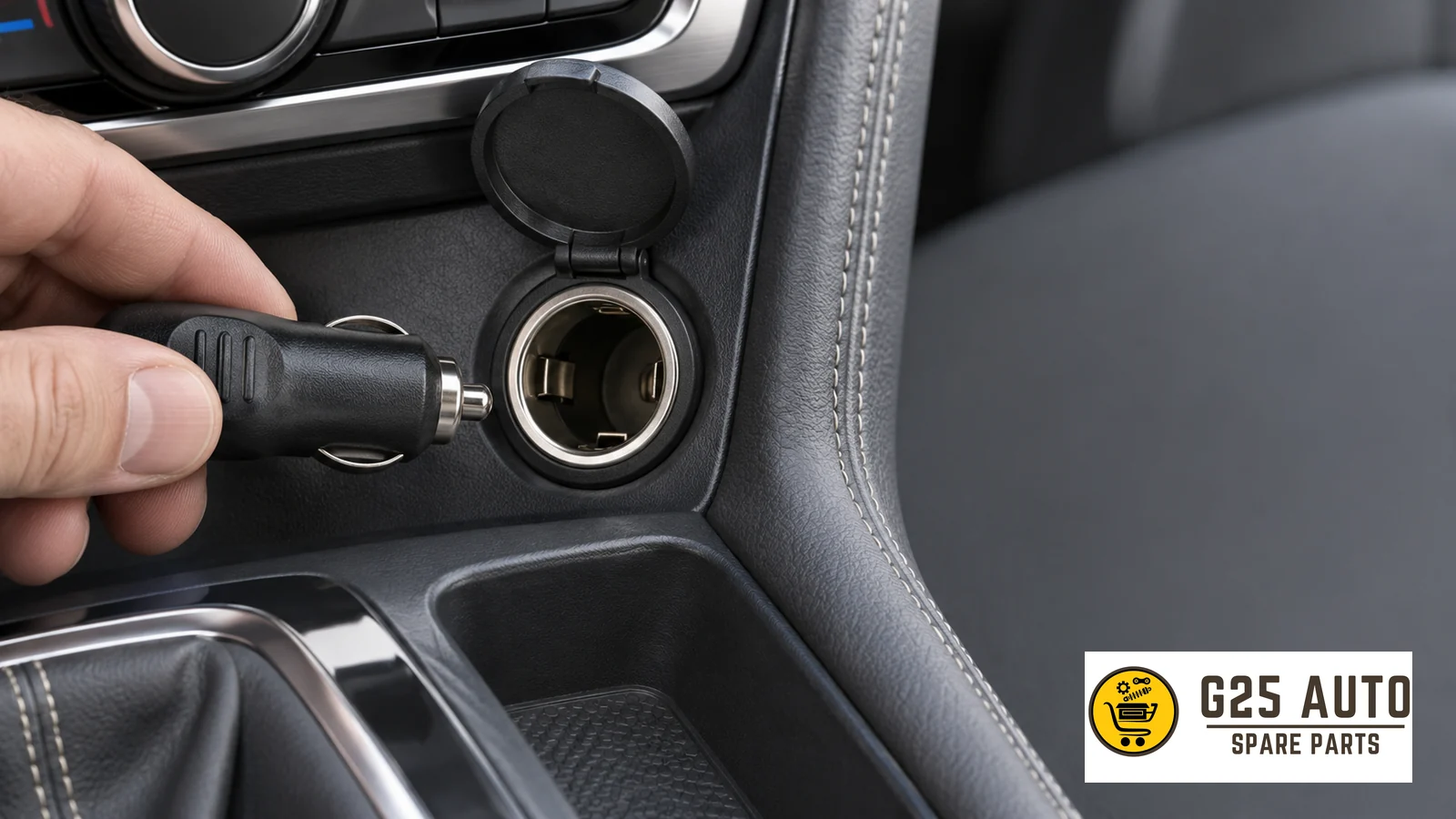
Short answer: The 12 V accessory socket in a vehicle powers devices with appropriate plugs as permitted by the owner’s manual. Before plugging in an adapter, find the voltage and maximum load specified by the vehicle for the relevant socket. Compare the adapter’s input information with these values and the USB side output information with the requirements of the device you will connect. Also check from your vehicle’s owner’s manual whether power continues when the ignition is off.
Identify which connection point you are looking at
On the center console, you may find a USB connection, a covered round socket, or both depending on vehicle equipment. Rather than inferring a socket’s function from its location, find the description for that location in the vehicle owner’s manual. If there is an additional socket in the trunk or rear console, do not automatically transfer the limit of the front socket to the other. The manufacturer may have described the sockets separately.
The round accessory socket and the similarly shaped cigarette lighter socket may appear under different headings in the vehicle owner’s manual. Compare the markings on the socket cover with the diagram in the manual. Even if the device plug appears to fit physically, read the usage permission from the manual. If the plug does not seat properly, do not force it and do not insert an incompatible part into the socket.
Read input and output lines separately
A vehicle adapter with USB output has two separate connections. The vehicle socket powers the adapter’s input. A phone, navigation device, or other USB device connects to the adapter’s output. The fast charge statement on the front of the packaging is usually information relating to the output side. To understand whether the vehicle socket can power this accessory, find the input heading on the adapter or on the technical sheet.
| Information to read | Where to find it? | What to compare it with? |
|---|---|---|
| Socket location and type | Connection port diagram in vehicle owner’s manual | The actual socket you want to use in the vehicle |
| Socket voltage and load limit | Socket marking and relevant owner’s manual section | Accessory input values |
| Adapter input information | Adapter label or technical sheet for the same model | Values provided and permitted by vehicle socket |
| USB output information | Adapter output line, description per port if multiple outputs | USB device and cable requirements |
| Ignition and parking behavior | Power description in vehicle owner’s manual | When and how long you will keep the accessory connected |
If there are multiple USB outputs
When an adapter has two outputs, read what a single power value on the product page describes. The manufacturer may provide separate explanations for one port and for total usage when multiple devices are connected. If you plan to use two devices simultaneously, check the shared usage condition in addition to looking at each device separately. Do not transfer the charging behavior you see with a single device directly to multiple use.
If the units on the socket and adapter labels are different
The vehicle may show a limit in current, while the accessory shows the requirement in power. Do not make a decision by looking at the magnitude of numbers without seeing the units. Read the voltage provided by the vehicle manual and the values specified for input together. If the adapter input information is missing, instead of relying only on the seller’s “vehicle compatible” statement, request the manufacturer’s documentation for the same model. If matching cannot be done even with manufacturer documentation, choosing an accessory with clearer labeling makes comparison easier.
Do a quick check before connecting
- Verify the socket location. Find the relevant location and socket type in the owner’s manual. If there are multiple sockets, note separately which one you will use.
- Read the accessory code. Similar-looking adapters may have variants. Match the code on the technical sheet with the code on the product.
- Compare input with socket value. Check the appropriate plug, voltage, and load permitted by the manufacturer together. If there are other usage restrictions in the vehicle owner’s manual, take them into account as well.
- Evaluate output and cable. Check the connection end required for the USB device, the power allowed by the device, and if necessary, shared port usage.
- Check parking behavior. Read which ignition state the socket operates in and the manufacturer’s instructions regarding leaving the device connected.
Before setting out on a trip, it may be useful to note together the socket and adapter you will use. Especially when multiple people use different accessories in the same vehicle, this makes it clear which part has been checked for which socket. When you change vehicles or want to use the adapter in a different socket, repeat the comparison. The previous match does not indicate the limits of the new vehicle or new location.
Example of a two-device trip
Consider that a phone in the front seat and another device in the back seat will be charged. First determine which socket or vehicle USB connection will be used. If two devices will be connected to a single adapter, label the adapter’s ports separately. A manufacturer’s product documentation may show total output and each port’s output on separate lines. When routing cables, choose a path that will not obstruct vehicle controls and the driver’s movement area.
The first device working when connected does not show that the port you will use for the second device has the same characteristics. If the accessory has two different ports, note in advance which cable will be plugged into which. At the end of the trip, disconnect both device cables, and if the vehicle manual recommends removing the adapter when parked, remove the adapter as well. This way, on the next use, you will not only check the cable but also review the socket and adapter match.
What should you note if the socket is not working?
If the device is not receiving power, first check the ignition condition specified for the socket to operate in the vehicle owner’s manual. Note which socket the same accessory worked in before. If you notice looseness, damage, or abnormal heating, stop using it and consult the vehicle manufacturer’s service guidance. If the manual describes a fuse check, find the line for the relevant socket. Do not try to fix the problem with a higher-value fuse.
Frequently asked questions
Is the USB power written on the adapter box the vehicle’s socket limit?
USB power may belong to the output. The information you will compare with the vehicle is the adapter’s input requirement. Check the heading on the box and the input line in the technical table together.
Does the adapter’s power necessarily cut off when the ignition is turned off?
Behavior may vary depending on the vehicle and socket location. Read the explanation given in the owner’s manual for ignition, timer, or parking. If you will park the vehicle for a long time, follow the manufacturer’s guidance regarding connected devices.
Can I use the adapter in the socket of another vehicle?
Open the other vehicle’s owner’s manual and verify from the beginning the connection type and permitted input load for the socket you will use. Having worked in the first vehicle is not a substitute for checking the second vehicle.
Do I check the vehicle USB port the same way as the power socket?
The vehicle’s USB section and accessory socket section should be read separately. Find the function of the connection you want to use from the vehicle owner’s manual and compare the device’s requirements with that connection’s description.