
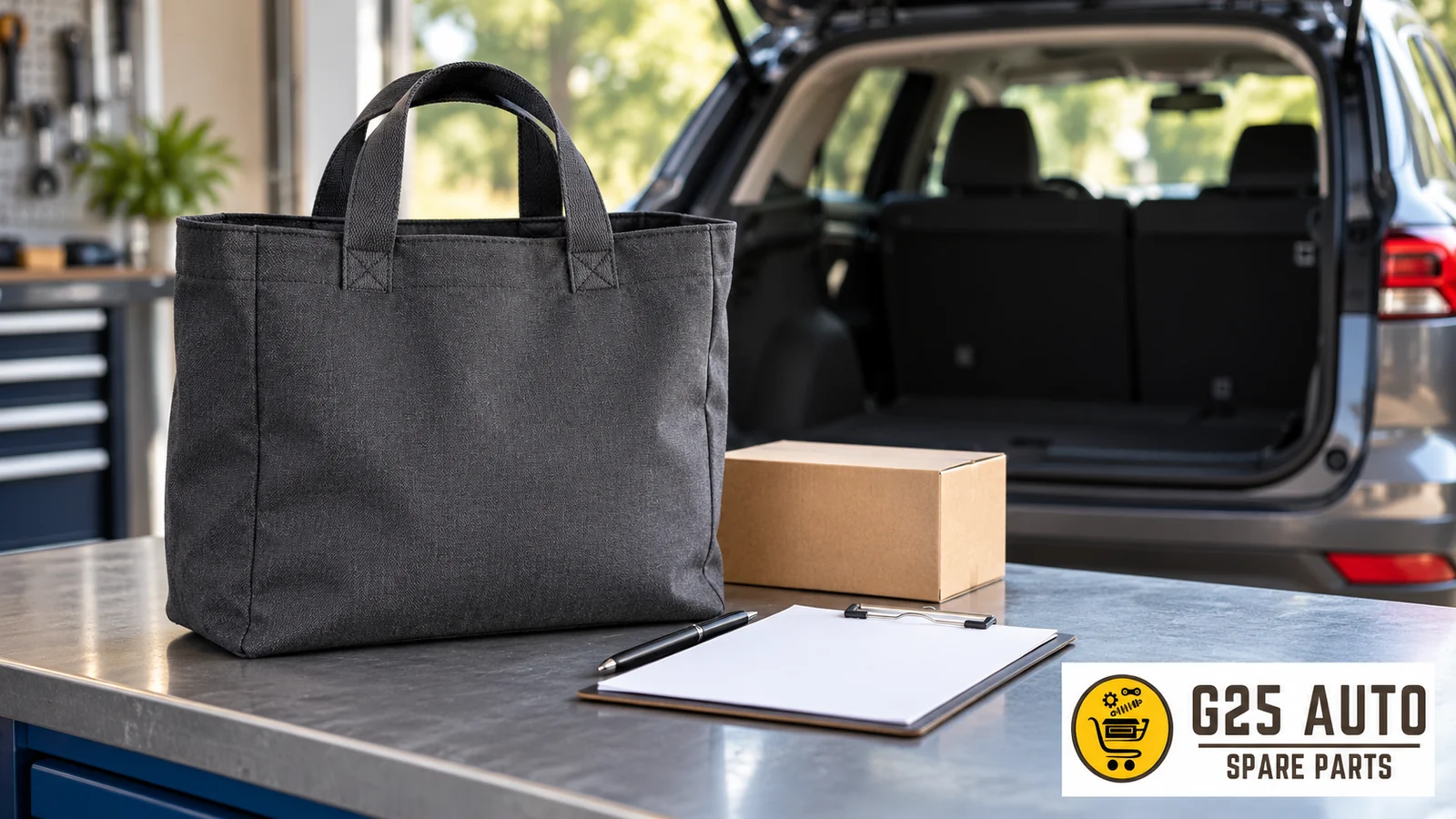
When researching a shopping bag for car journeys, record the product name, variant, and written package description together. Short answer: Do not infer delivery scope from photos; clearly ask the seller about the bag option and quantity information to be shipped. This guide provides a checklist for organizing pre-purchase questions.
Product Description and Basic Features
The official Volvo Cars Tote Bag page describes the product for travel or shopping use. We are only using this usage definition as an example here. This definition does not provide information about compatibility with any vehicle model, vehicle mounting features, or the package scope of another bag.
Within the framework of the basic information specified on the relevant product page, it is possible to get an idea about the usage areas and general features of the bag. However, when purchasing an accessory, instead of relying solely on general promotional information, it is recommended that you create a detailed checklist.
Variant and Color Selection Recording Recommendations
If the product is offered in different color or pattern variants, you must record the variant you selected during ordering. Check whether the color code or variant description is correctly included in the order confirmation email or invoice. For example, to avoid situations such as receiving ‘Dark Gray’ instead of ‘Black’, it may be useful to take a screenshot at the time of ordering.
Difference Between Product Code and Reference Number
Ask the seller whether the code shared belongs to their own stock record or the manufacturer reference. Write each code in a separate field along with its description. Seeing two different codes does not indicate they are equivalent. Do not use one instead of the other without an explanation; do not complete characters with your own interpretation.
Package Contents Check
Is the Bag Alone or Together with Other Objects in the Photo?
If you see other accessories, tags, small bags, or decorative objects alongside the bag in product photos, you should learn whether these are included in the package contents from the product description or by asking the seller. Objects used for styling purposes in some images may not be included in the actual delivery scope.
Quantity Description
The product page should clearly state ‘1 piece’ and it should be clear whether the price is valid for a single bag or multiple bags as a set. Confusion can occur on this matter especially in bulk sales or promotional products.
Order and Delivery Comparison
The first thing you should do when the product reaches you is to check whether all the features you ordered have arrived correctly. You can use the following checklist:
- Is the color/pattern the same as in the order confirmation?
- Are the labels on it in readable condition?
- Is the manufacturer reference number on the label?
- Are there any manufacturing defects, stitching problems, or stains?
Unreadable or Missing Label Situation
Do not guess what information is on an unreadable label. Request a clear photo of the label or written information about the relevant product. In the record, only transfer the text you can read. Do not use codes or care instructions from other listings to fill empty spaces.
Checklist: Pre-Purchase and Post-Purchase Steps
| Checkpoint | Expected Response / Action to Take |
|---|---|
| Color variant order record | Color code and description check should be performed in order confirmation, screenshot should be taken |
| Product code and reference difference | Seller stock code and manufacturer reference code should be noted separately |
| Package content clarity | It should be clearly asked whether all objects in the photo will be shipped |
| Quantity information | How many pieces the price is valid for should be verified on the product page |
| Delivery checklist | When the product arrives, color, size, label, reference number should be checked |
| Label readability | Washing instructions and manufacturer information should be clearly readable |
Official Source and Review Information
The product information conveyed in this article is taken from Volvo Cars’ official collection page. The relevant page address: https://collection.volvocars.com/en/tote-bag-5
The fact conveyed from the official page is limited to the travel or shopping definition. Other sections are questions that can be asked before purchase and recording recommendations; they should not be read as technical specifications of a particular product.
Review Date: November 1, 2026
Make Comparisons with Three Separate Records
In the first record, keep the product page address, review date, and selected option name. In the second record, transfer the product line in the order confirmation. In the third record, write the label you can read on delivery and the parts you see. Do not combine information in a single line without checking that these fields belong to the same product. If the option name is not visible, note this deficiency separately.
For example, in your own comparison file, you can open a box for color description. Instead of writing the estimated color name in the box, transfer the offer’s own statement. If the same name appears differently in different images, do not guess the reason. Send a clear question to the seller containing the selected option name and specify in the file which offer the response belongs to.
Learn One Topic in One Question
Ask separately whether the bag will be shipped alone. Learn in another question whether other objects in the image are included in the package. Also open a separate line for quantity description. If it is unclear which question a general yes answer was given to, do not consider all fields complete. Ask them to clarify the response with the product and option name.
If the seller only sends you a photo, do not generate a package list from the image. Ask in writing which parts will be shipped. If the relationship between a label in the image and your selected product is not explained, note this. Examining a photo and the seller clearly listing the parts to be shipped are different pieces of information. Do not record your own observation as a delivery commitment.
Keep Fields Awaiting Response Visible
An offer’s name may be explained but its variant may remain unclear. In another offer, the quantity information may be missing while the color is written. When comparing two offers, do not fill empty fields by copying from adjacent rows. Use the offer’s own source for each. If information is not available, write awaiting response; this statement does not mean the feature does not exist.
You can add the date the question was sent and the address of the relevant page to the control file. When a response arrives, do not just check for a new message; read whether the message actually clarifies the outstanding issue. If a response is given regarding another option, keep this separate. Ask again whether the same information applies to your own option.
Do Not Fill In Unreadable References
If a character on the label cannot be read, do not take letters or numbers from a similar product. Write the readable part as is and clearly indicate the missing character. Request the basis for the code said to be the manufacturer reference. The length, appearance, or similarity of a code to another code does not alone explain which record type it belongs to.
Keep the order number separate from the product reference. When comparing, check which line belongs to which document. If the seller’s own code and manufacturer code are transferred in the same field, request clarification. This recording system only makes reading documents easier; it does not replace independent verification proving the product’s authenticity, compatibility with a particular vehicle, or the outcome of delivery.
Write the Difference in Delivery with Concrete Sentences
When examining the package, note side by side the offer’s written list and the parts you see. If an object separately stated in the list is not visible, write the object’s name and your observation. Instead of saying the product was generally wrong, explain which record differs from which observation. Unreadable label, missing description, and different option can be addressed as separate questions.
In the final check, review that the file is based only on clearly read information. Separate interpretations you derived from photos from source descriptions. If questions have not been answered, leave fields as pending. This guide does not describe measurements, carrying capacity, care, vehicle placement, or mounting method. If such information is needed, request the official document for the product you selected.
Frequently Asked Questions
What documents should I keep when ordering a product?
You can keep the order confirmation, selected variant description, and the seller’s package contents response together. Separate your own notes from source text. This recommendation is to make comparing records easier; it does not determine the outcome of any application.
Is it normal for the reference number on the label to differ from the order code?
The two records being different is not explanatory by itself. Ask the seller which system each code belongs to. Open separate fields for order number, seller stock code, and manufacturer reference. Do not consider different codes equivalent until a response arrives.
Do accessories shown in product photos come with the package?
This situation should be stated in the product description. If there is no clear information, it is recommended that you ask the seller before purchasing to learn which products are included in the package. Some images are for promotional purposes only and all objects may not be shipped.
Is a special system required for the bag to stay fixed in the vehicle?
This article does not recommend vehicle mounting or placement methods. A bag being promoted for travel purposes does not mean it has mounting or fixing features in a particular automobile. If such information is needed, separately request the official description of the relevant product.